Accessibility
The following are the accessibility features of this website:
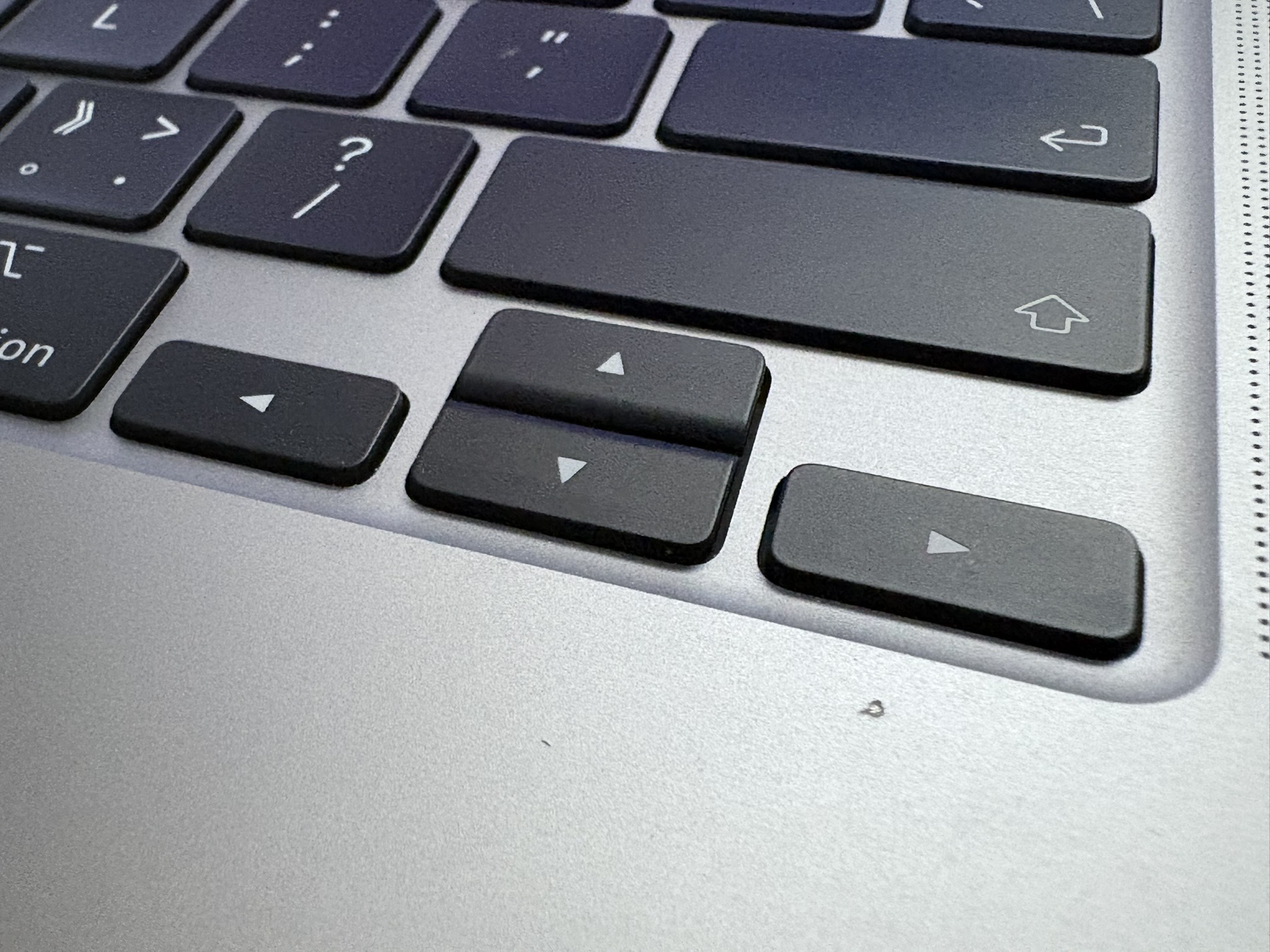
Keyboard Supporting
To facilitate users who cannot use the mouse, I have added keyboard navigation support to the navigation bar. Users can switch between navigation links using the left and right arrow keys and access the links using the Enter key.
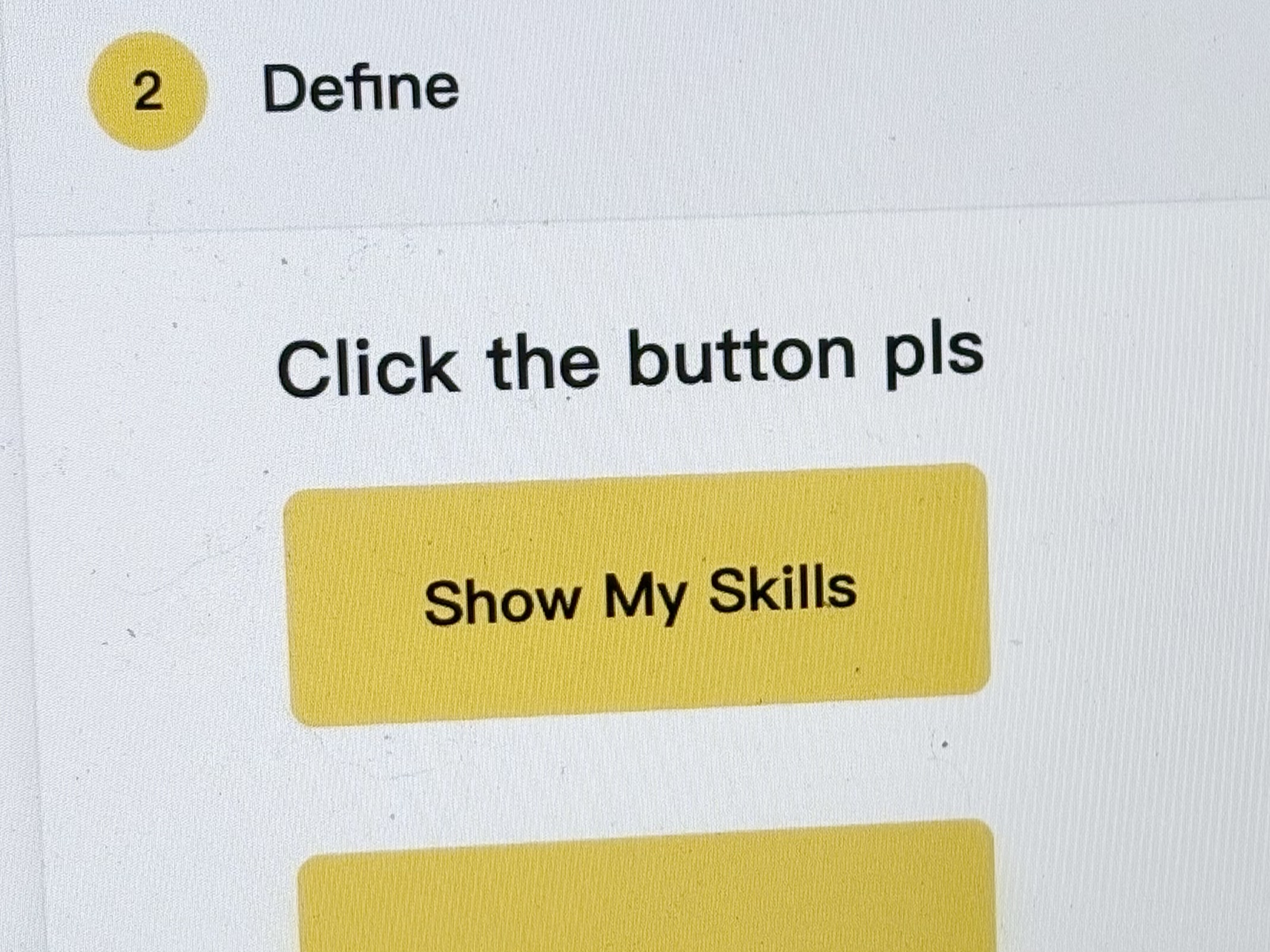
High Contrast Color
I use high-contrast color combinations, such as yellow and black, to highlight important elements, such as the hover and focus states of navigation links. This helps visually impaired users identify and interact more easily.
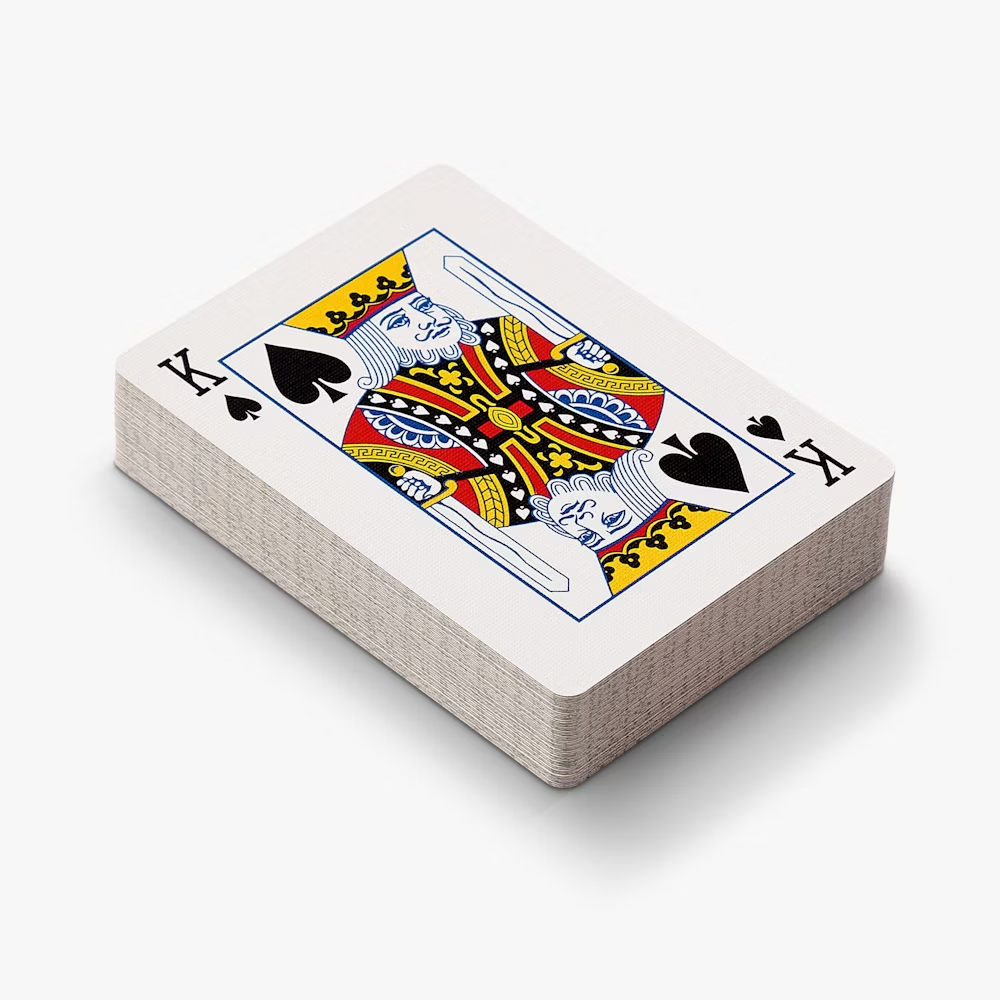
"Cards"
There are a large number of card elements in my web design. It is poker cards that inspired me to create this effect. This design can help people focus on the current elements and facilitate their reading of the text and acquisition of information.

Image Alternative Text
The alt attribute in HTML plays a crucial role in web accessibility. It provides alternative text for images, which can be read by screen readers, helping visually impaired users understand the content of the images. When an image fails to load, the alt text will be displayed, ensuring that users can still get the necessary information. Additionally, search engines can also use alt text to understand the content of images.